

Several weeks ago DCU staff had an opportunity to experience first-hand the potential of Google Glasses. This blog post shares Dr Mark Glynn’s impressions after three weeks of “playing” with the technology and offers his thoughts on how Google Glasses could be used in an educational context.
Ease of use
The glass is quite easy to use, simply by swiping left, right up or down on the side panel of the glass allows you to easily navigate through the various menus. The short video below from Google illustrates the basics…
https://www.youtube.com/watch?v=4EvNxWhskf8

I must admit like any piece of new technology it takes a bit of getting used to but after a few minutes you shouldn’t have an issue. I firmly believe that anybody would be able to use Google Glass, it is not just limited to technology heads like me. The Glass can be used out of the box and is very easy to set up. I found the instructions on https://glass.google.com/setup very easy to follow.
Part of the set up involves connecting Glass to the internet as illustrated in the relevant video [https://www.youtube.com/watch?v=g3ncmeGaKN0] and this is crucial in terms of the additional functionality that is available through the internet (e.g. sending messages, posting videos and pictures to your social media accounts or searching Google). You can also get an App for your phone (Android or iOS) but currently as it stands this app is only available if you have an American PlayStore or iTunes account. This is a bit problematic.
Applications for the classroom
In my opinion there are numerous education based scenarios where Glass could be used, including:
- A lecturer could be wearing them in class and a student could send them a message during the class;
- A lecturer could capture a video while conducting a particular experiment or procedure. The advantage of capturing the footage using Glass as opposed to a normal video camera is that you can see everything through the “eyes” of the lecturer. Furthermore it is much easier to use than any video camera that I’ve came across – after all it responds to voice commands.
- Equally a student could capture their performance of a particular technique in the same way and submit it to their lecturer as part of an assignment.
- A student could wear the glass and transmit the lecturer to one of their classmates that are not able to attend. This works very similar to “face time” conversations where you can see the other person on the phone. In the case of Glass, instead of seeing the other person on the call you can see what the other caller sees. If a student wants to broadcast the lecture, instead of a face-time call, they could open up a Google Hangout and invite their friends to join in.
- Through using Google the user can use Glass to translate text they can see to another language of their choice.
- Imagine a situation where you have individual photos of your class of 200 students and while looking at your students Google Glass presents you with your students name and selected details from their student record
- The biggest potential though in my opinion is the integration of Augmented Reality (AR) with Google Glass. The use of AR in the classroom is well documented so I won’t open up that discussion here but Google Glass just makes it easy for the user. They don’t need to hold up their phone in front of their face -all they need to do is “look with their eyes”.
How other lecturers reacted
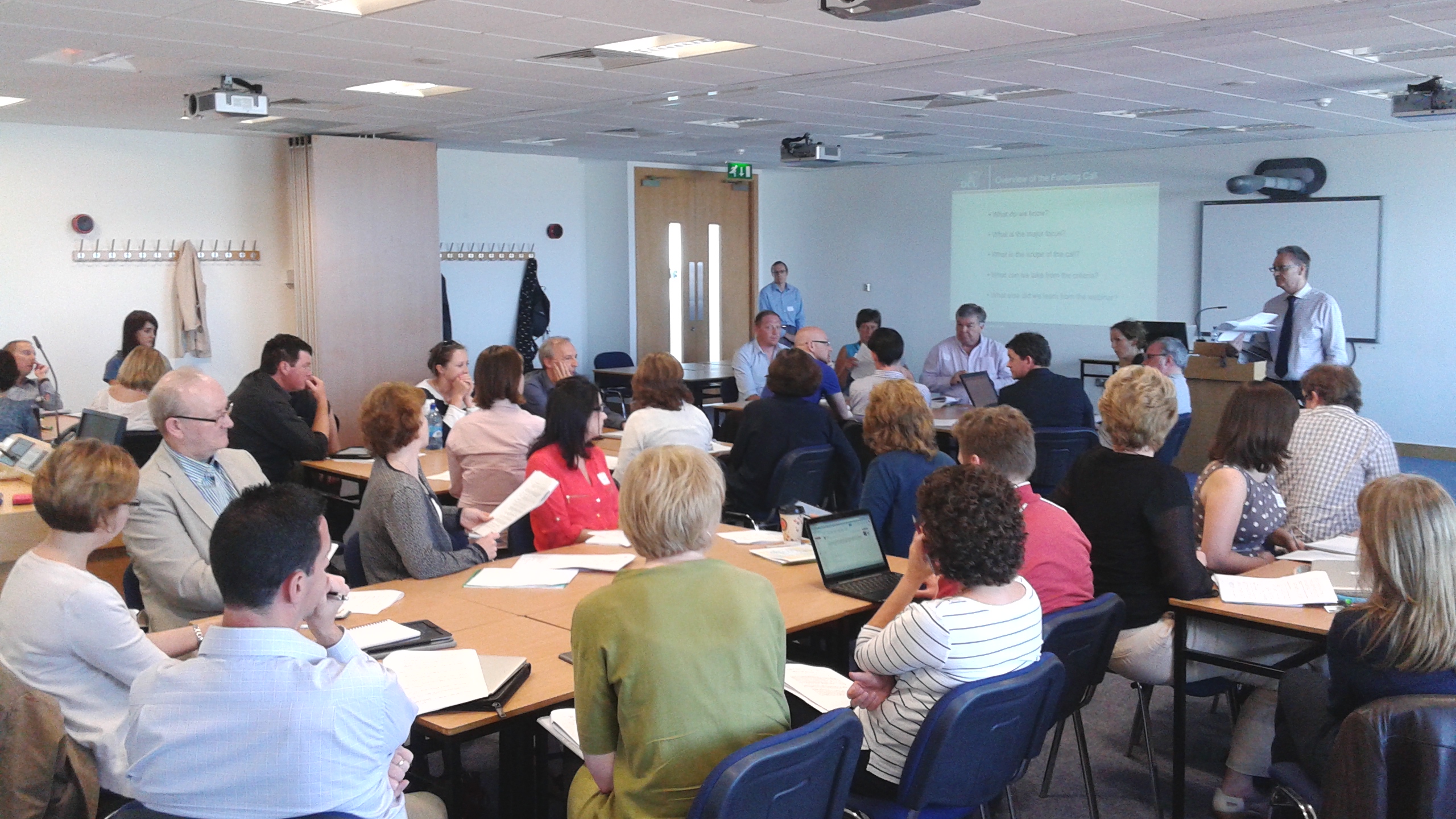
The level of excitement generated by the Glass was obvious for everyone to see. This was exemplified by the fact that I gave 48 hours notice for the workshop, the last week before exam results had to be submitted and we still had 46 staff immediately sign up to attend. We had to run two different workshops in order to give everybody the opportunity to ‘play’ and explore for themselves.
 Digital Learning Dispatches